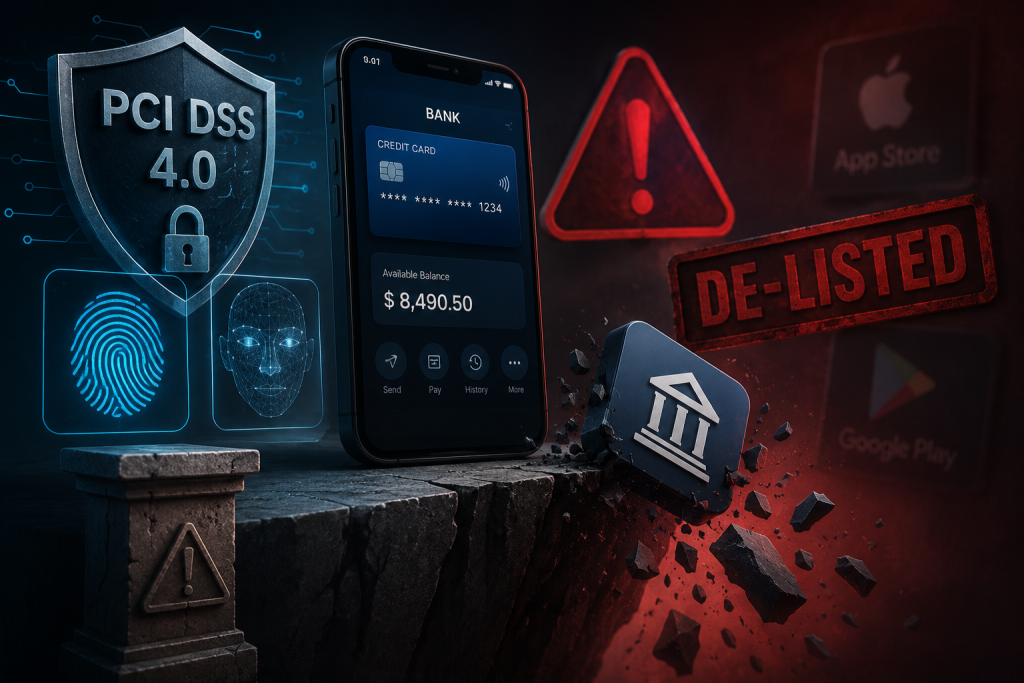

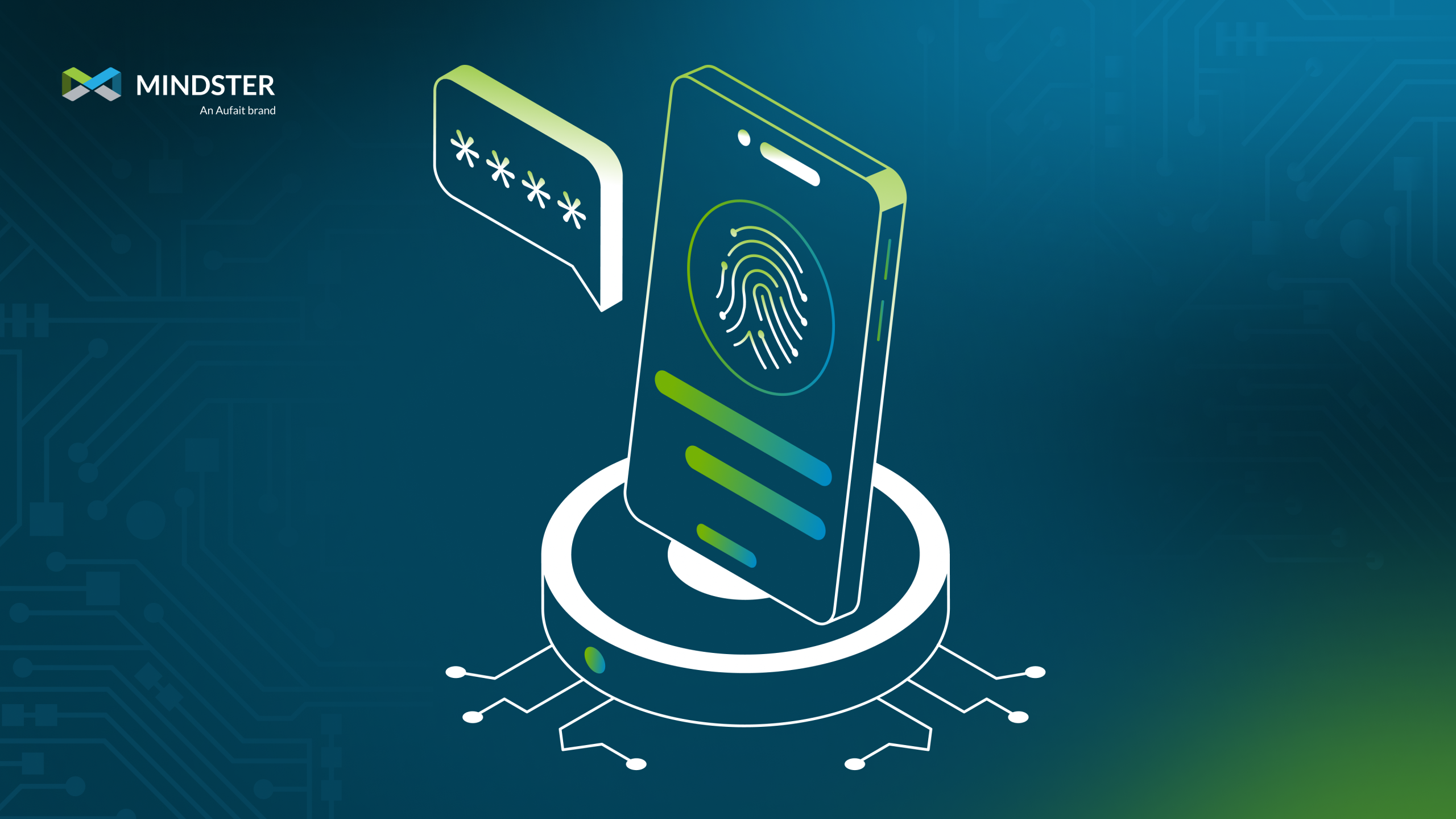
- Storing biometrics on cloud backends creates severe legal liability under GDPR and BIPA. Stolen biometric data cannot be reset.
- Shift to zero-storage, OS-native authentication (Apple Secure Enclave / Android BiometricPrompt).
- Verification stays safely on the user's hardware device—keeping biometric liability completely off your company's balance sheet.
Every fintech founder wants their app to feel effortless. You want users to log in with a simple fingerprint or a quick scan of their face—no passwords, no waiting for SMS codes, and no locked accounts. It feels like a great user experience.
To set this up, engineering teams often build a simple system: capture the fingerprint scan or facial map, turn it into a code or mathematical template, and save it on backend servers or cloud databases.
It feels secure and modern.
In reality, it is a huge compliance risk.
Technical audits across growing software platforms keep finding the same mistake: teams are accidentally creating major legal and security risks by holding onto biometric data on their servers. When managing biometric compliance, fintech leaders need to realize the hidden backend biometric storage risks they are creating.
If you are currently storing—or planning to store—fingerprint data, facial scans, or iris templates in your database, here is why that creates a big problem, and why building a native biometric authentication mobile app is the only safe approach.
Biometrics Are a Compliance Trap If You Store Them on Your Backend
Every fintech founder wants their application to feel completely effortless. You want users to log in with a simple touch of their finger or a quick glance at their phone’s camera—no passwords, no waiting for SMS verification codes, and no locked accounts. It feels like the ultimate user experience win.
To bring this feature to life, software development teams often build a straightforward pipeline: capture the fingerprint scan or facial depth map on the mobile phone, turn it into a mathematical hash or vector, and send it up to a central database or cloud server for safekeeping.
It feels modern, logical, and secure.
In reality, it is a massive compliance time bomb.
Across the software industry, engineering audits keep revealing the same hidden mistake: product teams are accidentally creating extreme legal, financial, and security risks by centralizing raw biometric data. When managing biometric compliance, fintech leaders must urgently address the severe backend biometric storage risks they are introducing to their business.
If your platform currently stores—or plans to store—fingerprint records, facial scans, or iris patterns on your backend, here is why that architecture creates a permanent liability, and why building a native biometric authentication mobile app is the only safe path forward.
The Problem with Storing Biometrics on Your Backend
It is easy to understand why engineering teams take this approach. In traditional web and mobile app architecture, the backend server acts as the single source of truth. Your servers store hashed user passwords, account balances, profile details, and transaction logs. Storing a biometric representation in that same database feels like a natural next step.
However, biometric credentials operate under completely different rules than traditional passwords.
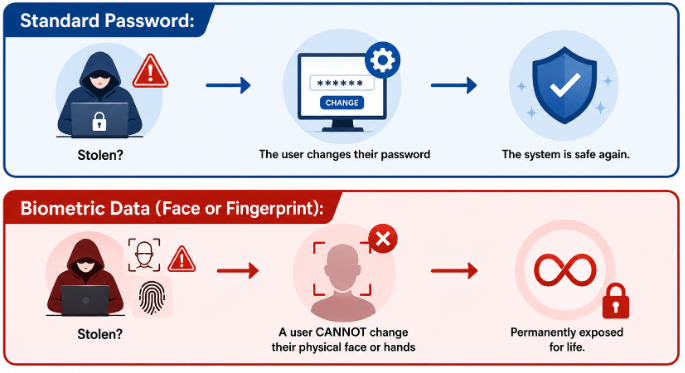
If a standard password leaks during a database breach, it is inconvenient, but easily fixed. You trigger a mandatory password reset, invalidate active login sessions, and issue a user update. The stolen credential becomes useless immediately.
If a user’s biometric data—or the mathematical template generated from it—leaks from your cloud storage, it is compromised permanently. A person cannot change their fingerprints, alter their iris pattern, or reset their facial structure. You haven’t just lost a temporary token; you have compromised an unchangeable part of someone’s physical identity forever.
Eliminate Your Backend Compliance Liabilities
Audit your mobile auth architecture to ensure zero biometric data touches your cloud backend.
Schedule an Auth AuditThe Legal Trap: Privacy Regulations Are Catching Up
Storing biometric information on your central servers instantly brings your business under some of the most strict, punitive privacy laws in the world.
When you collect and hold biometric files in a central database, you trigger an array of global regulatory obligations:
1. BIPA (Illinois Biometric Information Privacy Act)
BIPA is widely considered one of the strictest biometric privacy statutes in existence. It requires companies to collect explicit written consent before gathering biometrics, maintain strict written deletion schedules, and completely refrain from monetizing the data. Crucially, BIPA allows individual consumers to sue companies directly for violations. Class-action lawsuits under BIPA routinely result in multi-million-dollar settlements or judgments.
2. GDPR (General Data Protection Regulation)
Under Europe’s GDPR, biometric data used to identify a person is classified under Article 9 as “Special Category Data.” Storing this data requires an exceptionally high threshold of explicit user consent, continuous legal oversight, and mandatory Data Protection Impact Assessments (DPIAs). Fines for failing to comply can reach up to €20 million or 4% of your company’s total global yearly turnover—whichever figure is higher.
3. CCPA and CPRA (California Consumer Privacy Act)
California law explicitly labels biometric records as sensitive personal information. Under CCPA, users have the absolute legal right to request the complete deletion of their data, know exactly how it is used, and restrict its processing. Finding, removing, and proving the complete erasure of specific biometric files across complex server databases, staging setups, and cold storage backups creates a major technical burden.
The Honeypot Problem: Why Central Databases Attract Hackers
Beyond the massive legal liabilities, centralizing biometric templates creates an irresistible target—a “honeypot”—for cybercriminals.
Consider the difference in risk between decentralized and centralized storage:
- Decentralized Storage: Data lives individually across millions of separate, isolated mobile phones. A hacker would have to breach every phone one by one to gather data.
- Centralized Storage: Millions of user identities live in a single cloud database. A single server breach gives hackers access to your entire user base at once.
Even if your engineering team encrypts biometric vectors at rest inside your database, cryptography isn’t a silver bullet. At some point during the authentication process, your backend server must load those vectors into memory to verify incoming requests. That split-second window in system memory leaves the data exposed to advanced memory-injection attacks, insider threats, and server misconfigurations.
Before deploying app updates to live environments, applying robust software product engineering practices and conducting targeted fintech security and compliance audits helps identify and patch these server-side flaws early.
The Safe Alternative: Native OS Authentication
You do not need to collect, hold, or process biometric files on your cloud backend to give users an instant, frictionless login experience.
Operating system developers like Apple and Google have spent billions of dollars building hardware-level security specifically to solve this problem. Apple’s LocalAuthentication framework (working with the Secure Enclave chip) and Android’s BiometricPrompt API (backed by StrongBox / Trusted Execution Environments) keep biometric checks entirely on the individual device.
In the debate of LocalAuthentication vs backend biometrics, native OS frameworks win on every metric because they keep sensitive identity files completely off your infrastructure.
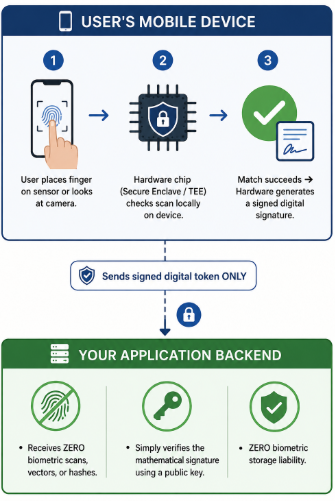
Properly implementing these native tools requires adherence to professional native iOS and Android development standards, ensuring that secure mobile app development is built into the mobile core.
Why Native Login Protects Your Company
- Zero Biometric Data Handled: Your servers and database never touch, view, or process physical biometric files, facial maps, or vector hashes.
- Total Risk Transfer: You avoid being classified as a biometric data controller or processor under laws like BIPA and GDPR because the data never leaves the user’s personal phone hardware.
- Hardware-Isolated Security: Stealing data from a Secure Enclave chip requires physical access and specialized equipment for that specific device, protecting your platform from massive cloud database breaches.
- Smooth User Experience: Native prompts adapt automatically to the user’s saved system settings, support screen readers and accessibility options out-of-the-box, and run reliably across thousands of Android device types.
Real-World Example: Onboarding (KYC) vs. Daily Authentication
A common area of confusion for fintech founders is the difference between identity verification during account signup and routine daily logins.
Step 1: User Onboarding (KYC Verification)
When a new customer opens a financial account, financial laws require you to verify their real identity (Know Your Customer / KYC). This process typically involves asking the user to submit a photo of their government ID alongside a live selfie video.
- The Safe Approach: Do not process or store these facial comparison files on your own app servers. Partner with accredited, fully compliant identity verification providers (like Persona, Onfido, or Jumio). These partners handle the legal, technical, and data retention requirements for KYC checks on their specialized infrastructure.
Step 2: Routine Daily Logins
Once the customer’s identity is verified and their account is opened, they will log into your app daily.
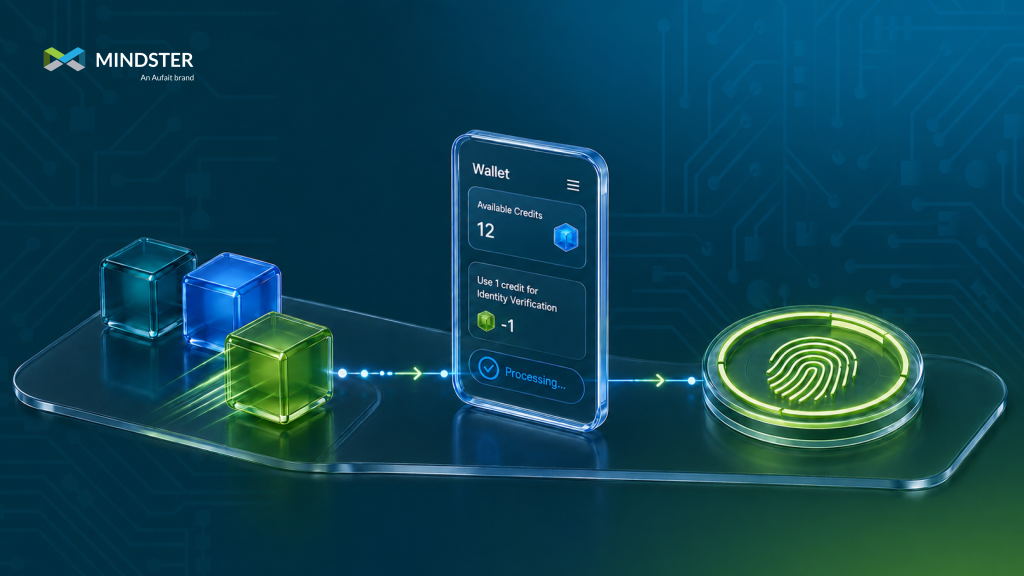
- The Safe Approach: Never re-run KYC selfie checks or verify facial vectors against your backend for daily logins. Instead, register the user’s phone during setup by linking an asymmetric cryptographic key pair to the device’s native biometric chip. For all future logins, let Apple or Android verify the user locally on their device, and send a signed confirmation token to your server.
Practical Audit Checklist for Engineering Teams
If you are leading an app project, consult with an experienced fintech app development company to conduct a quick technical review using this 4-step checklist:
- Inspect Your API Endpoints: Audit your mobile application’s network traffic and server logs. Check for parameters like face_matrix, fingerprint_hash, or biometric_template. If your app sends any of these to your backend, stop the flow immediately.
- Review Code Base Frameworks: Confirm that your iOS app relies strictly on LAContext and your Android code uses BiometricPrompt. Avoid third-party software packages that request direct access to the camera to perform custom facial recognition.
- Store Keys in Hardware: Use native OS biometrics to unlock private keys secured inside the iOS Keychain or Android Keystore. Use those unlocked private keys to sign access tokens sent to your backend.
- Isolate Onboarding Data: Ensure any biometric data collected during initial identity verification (KYC) is deleted or managed exclusively by certified third-party providers as soon as verification completes.
Simple Security Is Strong Security
Creating a frictionless user experience is vital for growth, but taking on avoidable security and legal liabilities can jeopardize your platform’s future. Storing biometric data on central servers is an unnecessary risk that turns your database into a high-value target for hackers and regulators alike.
By using native mobile OS auth features, you get the best possible outcome: a fast, passwordless login experience for your users, and zero biometric data liability for your company.
Building a successful fintech or mobile platform isn’t just about delivering seamless user experiences, it’s about building long-term trust. While centralizing biometric storage might initially seem like a standard engineering shortcut, the hidden legal, regulatory, and security risks far outweigh any short-term convenience.
By using native OS-level authentication, you eliminate your backend liability entirely while giving your users the modern, zero-friction experience they expect.
Build a Safe, Compliant Fintech Architecture
Let our experts help you design zero-liability, OS-native biometric authentication for your mobile app.
Talk to Our Engineering Team
Akhila drives the content strategy at Mindster, combining analytical clarity with a passion for digital product innovation. With a deep focus on mobile app strategy and software solutions, she bridges the gap between engineering complexity and intuitive user experiences. She thoughtfully articulates tech concepts, transforming frameworks, case studies, and digital transformation trends into actionable insights for product teams and business leaders.